Layer/Terrain Files
You can import and export layer and terrain files.
Layers
Import
In the Layers panel, click the "Add a custom layer" button labeled with the + symbol.
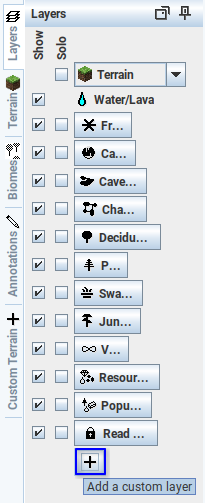
In the menu, click "Import custom layer(s) from file..." and select a file ending in
.layer._from_file_button.Dud43pT8.png)
Export
in the Custom Layers panel, right-click the layer you want to export and click "Export to file..."
Terrain
Import
In the Terrain panel, click the "Add a New Custom Terrain" button labeled with the + symbol.
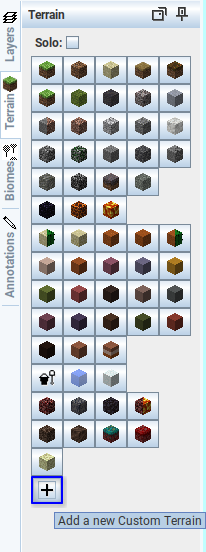
Click "Import from file..." " and select a file ending in
.terrain.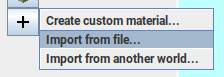
Export
In the Custom Terrain panel, right-click the material you want to export and click "Export to file..."